
Remote collaboration best practices: Build high-performing teams

Remote teams can outperform their in-office counterparts, but only when managers build the right foundation. Productivity rises 10% in remote call center environments, yet that gain evaporates fast when communication breaks down or culture gets neglected. For product and hiring managers running distributed teams, the difference between a high-output crew and a burned-out one comes down to process, tools, and intentional leadership. This guide walks you through every stage, from setup to troubleshooting, using research-backed strategies you can apply immediately.
Table of Contents
- Understand the remote collaboration challenge
- Prepare for effective remote teamwork
- Implement structured collaboration processes
- Build intentional culture and support wellbeing
- Verify results and troubleshoot common pitfalls
- Empower your remote team with expert support
- Frequently asked questions
Key Takeaways
| Point | Details |
|---|---|
| Clear communication rules | Setting explicit response times, channel use, and agreements prevents miscommunication and confusion. |
| Centralized tools boost visibility | Digital workspaces and project management apps help teams track progress and stay aligned on tasks. |
| Structured processes raise performance | Routine check-ins, standups, and feedback loops drive engagement and address issues before they snowball. |
| Intentional culture prevents burnout | Virtual touchpoints and hybrid plans foster connection and reduce employee burnout and isolation. |
| Hybrid teams offer balance | Hybrid setups combine engagement and wellbeing, often outperforming fully remote on sustainability. |
Understand the remote collaboration challenge
Remote and hybrid work is no longer an experiment. It is the operating model for most US startups and enterprises. But the benefits are not automatic. Remote engagement statistics show that fully remote workers report higher stress and loneliness even when engagement scores look strong. That tension is the core challenge every manager needs to understand before building a collaboration strategy.
“Remote work increases autonomy and productivity for individual tasks, but it hinders spontaneous collaboration and innovation. Hybrid setups tend to be optimal for most teams.” — Wharton Knowledge
Here is what the research actually tells us about remote and hybrid performance:
- Individual productivity improves in remote settings because of fewer interruptions and quieter environments.
- Spontaneous collaboration drops significantly when teams are fully distributed, which slows innovation cycles.
- Hybrid models balance both, giving people focused work time while preserving in-person connection.
- Talent access expands with remote setups, letting you hire across time zones and geographies.
- Culture-building requires deliberate effort when teams never share a physical space.
The biggest risk is not where your team works. It is how they are managed. Poor management hurts performance far more than any work location decision. Managers who focus on outcomes, trust, and process clarity consistently outperform those who default to surveillance or micromanagement. Explore remote work advantages and remote onboarding insights to see how the right setup from day one shapes long-term results.
Prepare for effective remote teamwork
Before you run a single standup or send a Slack message, you need infrastructure. Skipping this step is the most common reason remote teams underperform. Clear communication rules covering response times, availability windows, and channel usage (calls vs. async) are non-negotiable starting points.
Here is a practical checklist for getting your remote setup right:
- Communication agreements: Define which channels handle which types of messages. Urgent issues go to Slack. Detailed feedback goes to shared docs. Status updates go to your project tool.
- Tech stack: Choose tools that centralize work. Visual project management tools like monday.com, Jira, or Trello make tasks, files, and conversations visible to everyone.
- Response expectations: Set realistic windows. Not everyone needs to reply within 15 minutes. Async-first cultures reduce anxiety and improve focus.
- Onboarding plan: Structure your first weeks carefully. Initial in-person training measurably improves long-term remote performance, even if subsequent work is fully distributed.
| Requirement | Tool or practice | Why it matters |
|---|---|---|
| Task visibility | Jira, Trello, monday.com | Prevents duplication and missed deadlines |
| Async communication | Slack, Loom, Notion | Reduces meeting overload |
| Video sync | Zoom, Google Meet | Builds rapport and resolves blockers fast |
| Document collaboration | Google Docs, Confluence | Creates a single source of truth |
| Onboarding structure | Checklist plus buddy system | Accelerates ramp-up time |
Pro Tip: Build a shared team handbook before your first remote hire starts. Document your tools, norms, and escalation paths so new team members can self-serve answers instead of pinging you for basics.
For remote feedback techniques and remote team culture tips, review how other product-focused teams structure their onboarding. Product manager remote strategies offer a useful framework for structuring your first 30 days with a distributed team.
Implement structured collaboration processes
Setup gets you started. Routine keeps you going. The teams that sustain high performance over months and years are the ones that build repeatable collaboration rhythms, not just good intentions.
Here is a step-by-step process for structuring your remote collaboration routines:
- Daily async standups: Use Slack or a tool like Geekbot to post brief updates. What did you complete? What is next? Any blockers? This replaces the 30-minute morning meeting nobody wants.
- Bi-weekly video syncs: Regular video check-ins build rapport and surface issues that async messages miss. Keep them to 45 minutes with a clear agenda.
- One-on-ones: Schedule weekly or bi-weekly one-on-ones with each direct report. These are the single most effective tool for catching burnout early and maintaining trust.
- Stakeholder catch-ups: Product managers especially need structured stakeholder alignment meetings to prevent scope drift and keep cross-functional teams aligned.
- Retrospectives: Run monthly or sprint-based retros using shared docs or digital whiteboards like Miro. Document what worked, what did not, and what changes next.
| Routine | Format | Frequency | Purpose |
|---|---|---|---|
| Standup | Async (Slack/Geekbot) | Daily | Status and blockers |
| Team sync | Video (Zoom) | Bi-weekly | Alignment and rapport |
| One-on-one | Video or call | Weekly | Individual support |
| Stakeholder update | Video or doc | Monthly | Cross-functional alignment |
| Retrospective | Shared doc or Miro | Monthly or per sprint | Process improvement |
Hybrid team productivity data confirms that structured routines are the single biggest driver of engagement in distributed teams. Unstructured remote work leads to drift, confusion, and eventually disengagement.
Pro Tip: Document every recurring meeting with a template. A standup template, a retro template, and a one-on-one agenda template save time and make it easy for new team members to contribute immediately. Store them in a centralized visibility tool your whole team can access. Also check feedback loop techniques for structured review frameworks.
Build intentional culture and support wellbeing
Process keeps work moving. Culture keeps people engaged. These are not the same thing, and conflating them is a mistake many managers make. You can have perfect standups and still have a team that feels disconnected and burned out.
The numbers make this urgent. Hybrid teams with collaboration plans see 66% higher engagement and 29% less burnout compared to those without plans. Yet 48% of hybrid teams have no such plan in place. That is a massive, fixable gap.
“Fully remote workers show 31% engagement versus 23% for hybrid workers, but they also report 45% higher stress and significantly more loneliness.” — Gallup
Here are practical actions to build team culture and protect wellbeing:
- Virtual social events: Monthly coffee chats, trivia games, or show-and-tell sessions create informal connection without forcing it.
- Team charter: Co-create a document that defines your team’s values, working norms, and communication preferences. This gives everyone a shared identity.
- Buddy system: Pair new hires with experienced team members for the first 60 days. It accelerates onboarding and reduces isolation.
- Feedback loops: Run quarterly pulse surveys. Ask specific questions about workload, clarity, and connection. Act on the results visibly.
- Tool training: Invest in training your team on the tools you use. Confidence with tools reduces friction and lowers stress, especially for new remote workers.
- Flexible scheduling: Where possible, let team members set their own deep work hours. Autonomy is one of the strongest predictors of remote job satisfaction.
For nurturing remote engagement, the key insight is that culture does not happen by accident in remote settings. Every touchpoint needs to be designed. The managers who treat culture as a system, not a vibe, build teams that stay.

Verify results and troubleshoot common pitfalls
Building a remote collaboration system is not a one-time event. It requires ongoing measurement and honest adjustment. The outcomes and trust focus that defines great remote management only works if you have data to act on.
Here is a step-by-step framework for verifying effectiveness and fixing problems:
- Run monthly engagement surveys: Keep them short, five to seven questions. Track trends over time, not just snapshots.
- Monitor output metrics: Are sprint goals being met? Are deadlines slipping? Output data tells you whether your processes are working before morale crashes.
- Watch for isolation signals: Reduced participation in meetings, slower response times, and missed one-on-ones are early warning signs. Address them directly and privately.
- Audit your tools quarterly: Are people actually using the tools you set up? Unused tools create confusion. Consolidate where possible.
- Benchmark against baselines: Fully remote workers show higher engagement but also higher stress. Use your own team data to understand where your team sits on that spectrum.
- Adjust and document changes: When you change a process, write it down. This prevents regression and helps new managers onboard faster.
Common pitfalls to watch for include unclear expectations (the number one cause of remote underperformance), over-reliance on synchronous meetings, and neglecting one-on-ones during busy sprints. Remote work limitations research confirms that innovation suffers most when teams skip structured collaboration in favor of pure async independence.
Pro Tip: Share a monthly team health summary with your leadership. Include engagement scores, output metrics, and one qualitative insight. This builds organizational trust in your remote model and keeps you accountable to improving it. Use monitoring remote team health resources and optimizing team outcomes frameworks to structure your reporting.
Empower your remote team with expert support
Building a high-performing remote team is faster when you start with the right people. At Fuerza, we connect US-based startups and enterprises with pre-vetted nearshore and onshore talent, whether you need freelancers, contractors, or full-time hires. Our AI-powered matching process cuts the time it takes to find experts who are already aligned with remote-first workflows.
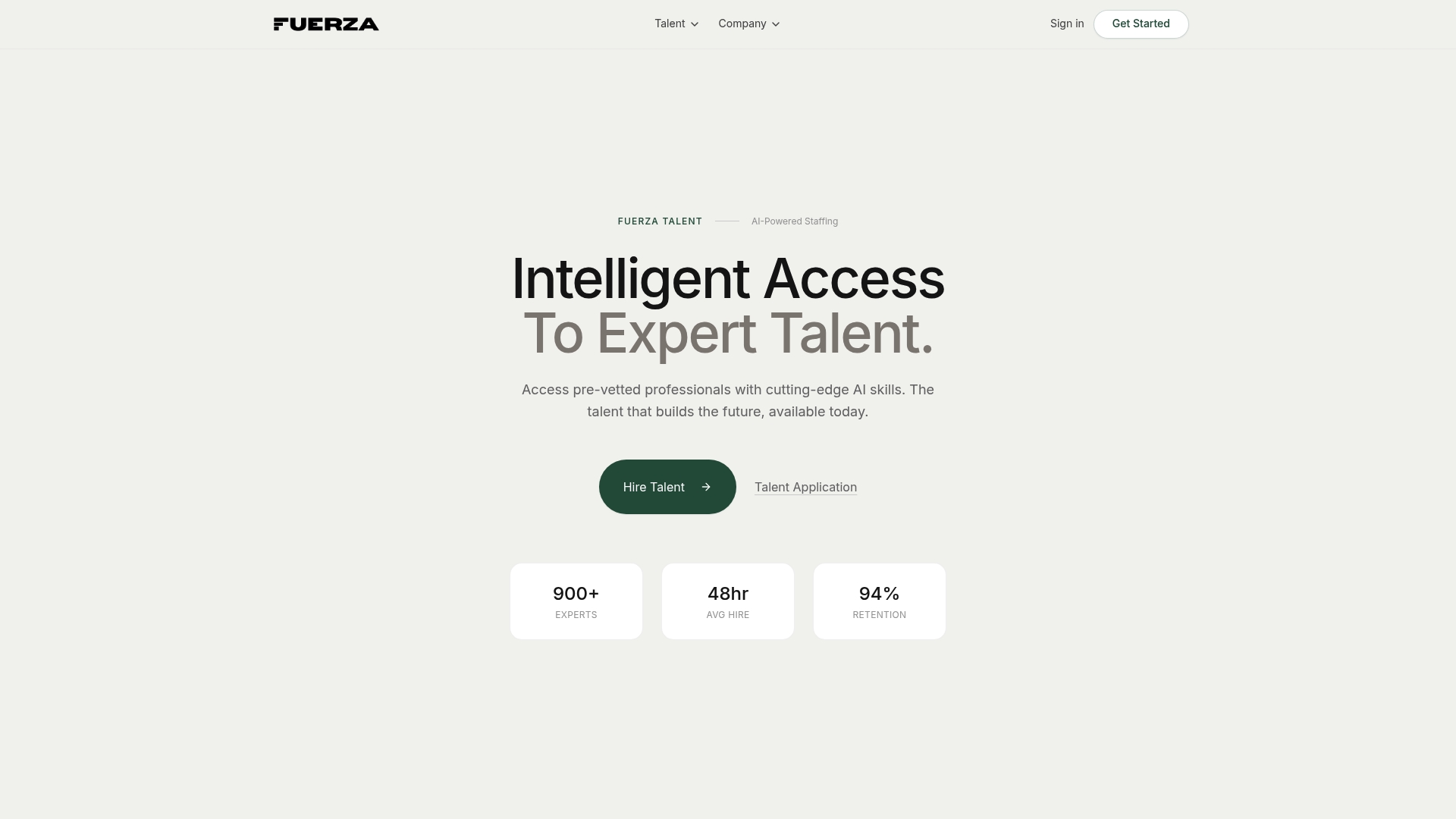
If your team is scaling and you need remote collaboration services or specialized talent that hits the ground running, we have the resources to support you. Product managers and hiring leads who want early access to our curated talent network can join the Fuerza waitlist today. Stop building your remote team from scratch and start with people who already know how to perform in distributed environments.
Frequently asked questions
What makes remote collaboration successful?
Remote collaboration succeeds when managers set clear communication rules and pair them with intentional culture-building practices like virtual touchpoints and team charters. Tools matter, but structure and trust matter more.
Which tools are essential for remote collaboration?
Centralized digital workspaces like Jira, Trello, or monday.com combined with async messaging platforms give teams the visibility and flexibility they need to stay aligned without constant meetings.
How do you avoid burnout in remote teams?
Structured collaboration plans reduce burnout by 29% and increase engagement by 66% in hybrid teams. Building routines, setting clear expectations, and running regular pulse surveys are your best defenses.
Is hybrid or fully remote better for team engagement?
Fully remote workers score higher on engagement at 31% versus 23% for hybrid, but they also report significantly more stress and loneliness. Hybrid setups tend to balance both outcomes more sustainably.
Can initial in-person training boost remote performance?
Yes. In-person onboarding measurably improves long-term remote performance by building relationships and context that are hard to replicate through screens alone.
Recommended
- Fuerza — Hire Pre-Vetted AI & Tech Talent | AI-Powered Staffing
- Fuerza — Hire Pre-Vetted AI & Tech Talent | AI-Powered Staffing
- Fuerza — Hire Pre-Vetted AI & Tech Talent | AI-Powered Staffing
- Fuerza — Hire Pre-Vetted AI & Tech Talent | AI-Powered Staffing
- Best project management software for growing teams – Nu Life Digital
- Best practices teambuilding für starke teams in dortmund